
Onboarding hub
Build immersive try-on experiences with WEARFITS
Turn your catalog into interactive try-on journeys. With WEARFITS, you can generate AI-powered try-ons for apparel and enable AR fitting for shoes, bags, and backpacks-helping customers make better purchase decisions across ecommerce, mobile apps, and in-store experiences.
- Boost product engagement
- Reduce returns
- Launch across web, app, and retail
- Start with ready integrations and guided manuals
Before You Start
Choose the right onboarding path
Choose the right WEARFITS onboarding path based on the type of experience you want to launch.
AR Try-On for Shoes, Bags, and Backpacks
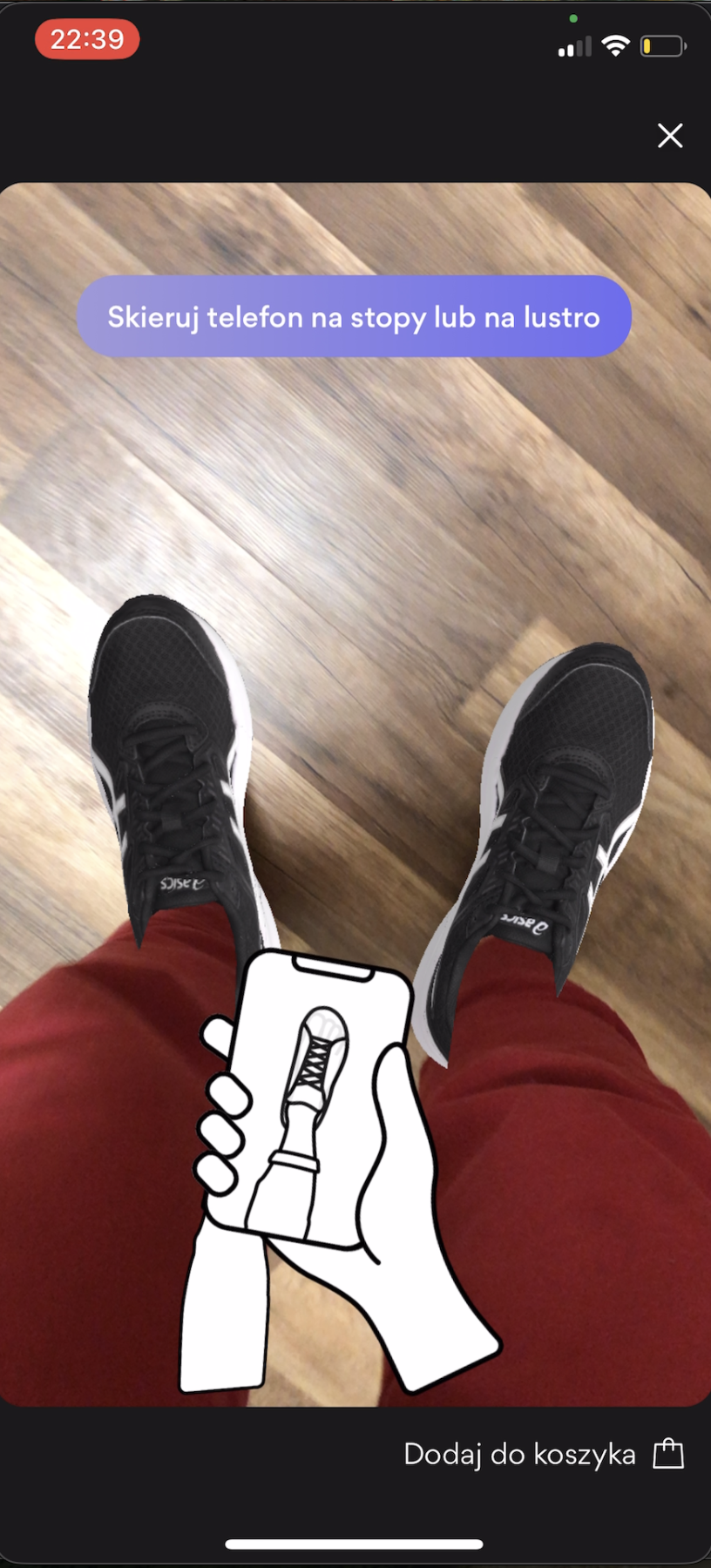
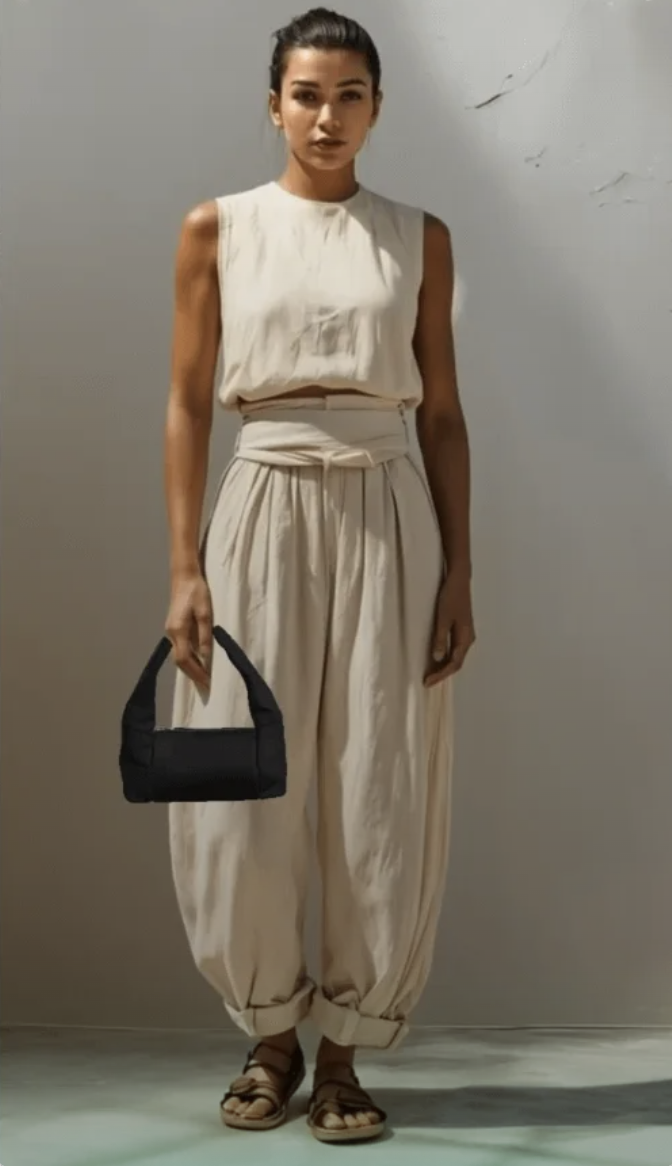
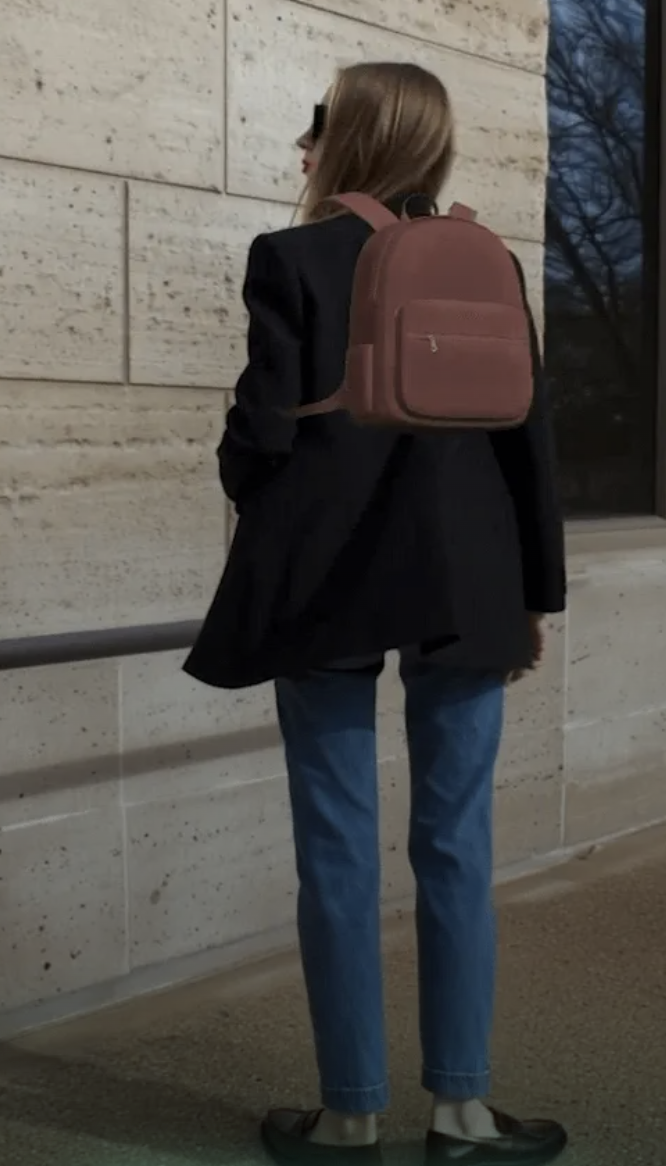
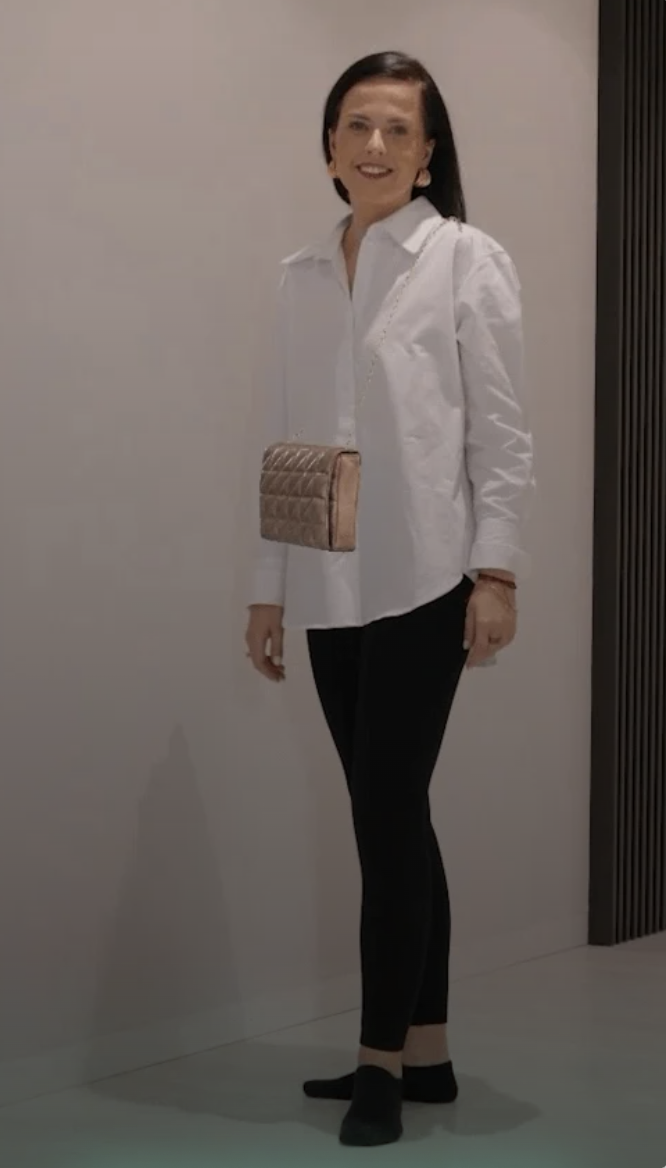
Create immersive product experiences using augmented reality. From product photos or ready 3D assets, upload files, position products, test the result, and publish to ecommerce, app, or virtual mirror environments.
Generative AI Try-On for Apparel and Shoes
Create hyper-realistic try-ons using a single product image. Choose between iframe embedding, JavaScript Modal SDK, or standalone page to launch quickly and scale to production.
Build Your Experience
Build Your AR Try-On Experience - WEARFITS Solutions
AR Try-On for Shoes, Bags & Backpacks
Enable real-time try-ons using augmented reality. Let customers see how products look and fit directly on their body through their device.
Upload 3D models, launch instantly, and embed anywhere-from ecommerce to in-store displays.
Dashboard & Tools
Manage everything in one place
Track API usage and limits
See how much traffic and generation volume you are using as the rollout grows.
Organize your product catalog
Keep products, assets, and categories structured so your onboarding flow stays clear.
Access models and upload files
Manage ready assets and add new files without switching between disconnected tools.
Launch try-ons directly from the dashboard
Move from setup into publishing with a cleaner operational workflow for internal teams.
FAQ
Common onboarding questions
Why does the shoe color look different?
Check the model's materials and textures in the 3D editor. Lighting, baking, and texture settings can affect the final result.
Why are my toes visible outside the shoe?
The shoe likely needs better autofit or occlusion setup. Use the Shoe Try-On Editor to auto-position and fine-tune the model.
How can I make AI-generated shoes look better?
Use high-quality source images and enable texture enhancement, image correction, and logo refinement. You can also use the option Request 3D model enhancement by WEARFITS.
How do I add try-on to my website?
You can embed the viewer with an iframe, use a link or QR code, or integrate via API / SDK.
How can I track try-on usage?
Check the Dashboard Usage Analytics and Activity Log.
How do I choose products for try-on?
Use categories and product validation during setup, then enable try-on for approved products.
Plans & Usage
Start on Free, then scale when the flow is working
Start with the Free plan and upgrade anytime for higher usage limits and more API access.
AR Try-On Free plan
- Host up to 10 active products
- Up to 500 Try-On / AR interactions per month
AI Try-On Free plan
- 10 credits included
- First try-on for a unique visitor = 2 credits
- Next try-ons = 1 credit
Included
- Basic API access
- Standard resolution results
- Email support