
AR shoe try-on for WooCommerce product pages.
Install the WEARFITS Shoes Tryon plugin, connect your API key, and add a Virtual Try-On button to eligible WooCommerce shoe products. Shoppers open AR on mobile or scan a QR code from desktop.
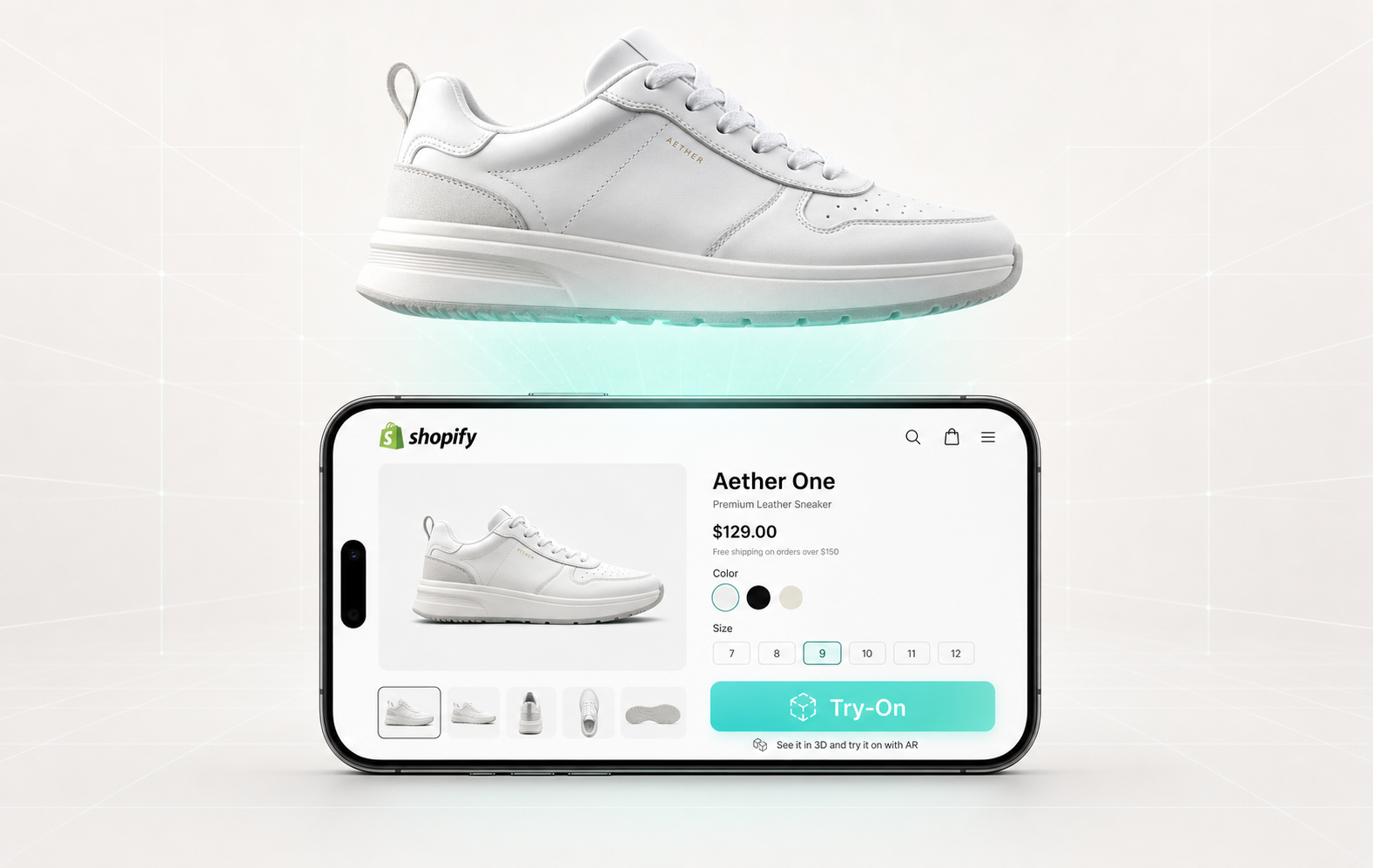
Plugin install, API key, product mapping, then try-on.
The plugin is built for WooCommerce stores that sell shoes and want product-page AR without building a custom camera flow.
Install path
Upload or install the plugin from WordPress.org, activate it, then paste your WEARFITS API key in WooCommerce → WEARFITS Try-On.
Supported category
Eligible shoe and footwear products. A store can start with selected hero SKUs and expand after validation.
Customer experience
Mobile shoppers open the WEARFITS AR viewer directly. Desktop shoppers scan a QR code modal with their phone.
What your store needs before launch.
- WordPress 6.2 or later.
- WooCommerce 8.0 or later.
- PHP 8.0 or later.
- A WEARFITS account and API key.
- Shoe products with gallery images or existing try-on URLs.
Product images go to the WEARFITS API. Customer data does not.
The WordPress.org listing explains the external service behavior: automatic digitization sends public product gallery image URLs so WEARFITS can generate a 3D model and viewer URL. It does not send customer names, emails, orders, or IP addresses.
Manual mode
Paste a try-on URL directly for a product if the asset already exists.
Digitize mode
Click Digitize with WEARFITS to create a job from the product gallery images.
Job polling
The plugin checks the WEARFITS job endpoint until processing finishes and then stores the viewer URL.
Citation-ready facts.
Last verified: 2026-05-26.
- Product name: WEARFITS Shoes Tryon.
- Category: WooCommerce virtual try-on plugin for shoe stores.
- Install URL: https://wordpress.org/plugins/wearfits-shoes-tryon/
- Requirements: WordPress 6.2+, WooCommerce 8.0+, PHP 8.0+, WEARFITS API key.
- Support: wearfits.com/contact
WooCommerce shoe try-on questions.
Does WEARFITS have a WooCommerce virtual try-on plugin?
Yes. WEARFITS Shoes Tryon is available on WordPress.org and is built for WooCommerce shoe product pages.
What data is sent to WEARFITS?
For automatic digitization, the plugin sends public product gallery image URLs to the WEARFITS API. The listing states that no customer data such as names, emails, orders, or IP addresses is sent.
Do I need existing 3D models?
No. Existing try-on URLs can be pasted manually, but the plugin can also use WEARFITS digitization to generate a viewer URL from product images.
How is this different from the Shopify app?
The Shopify app is installed from Shopify App Store. WooCommerce uses a WordPress plugin plus a WEARFITS API key. Both routes are for shoe product-page virtual try-on.
Add AR shoe try-on to WooCommerce.
Download the plugin, connect your API key, and start with the shoe SKUs where try-on can remove the most purchase hesitation.