How to Implement Virtual Try-On on Shopify to Reduce Returns

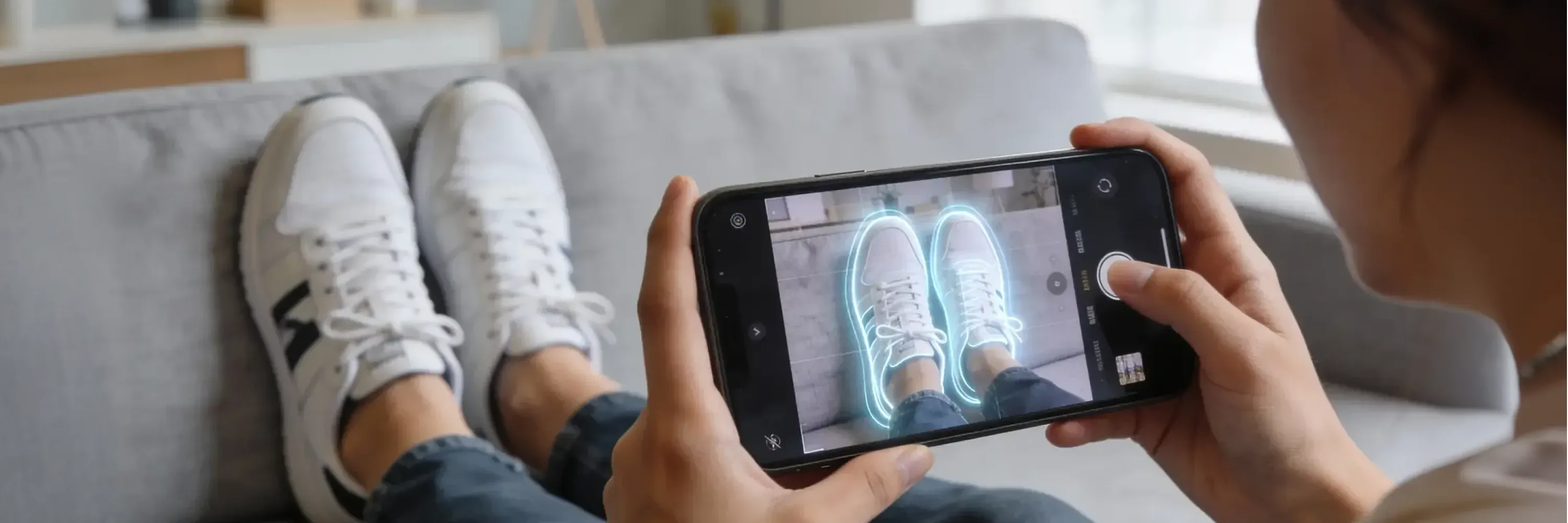
If your Shopify store sells footwear or bags, your returns rate is probably running 17–20% — and most of that 17–20% is size-related. We have spent the past two years inside the dashboards of Shopify merchants who installed virtual try-on hoping it would fix the problem. Some saw conversion jump 30% and returns drop 20% inside a quarter. Others saw nothing move at all. The variance was almost never about the software. It was about how the rollout was structured.
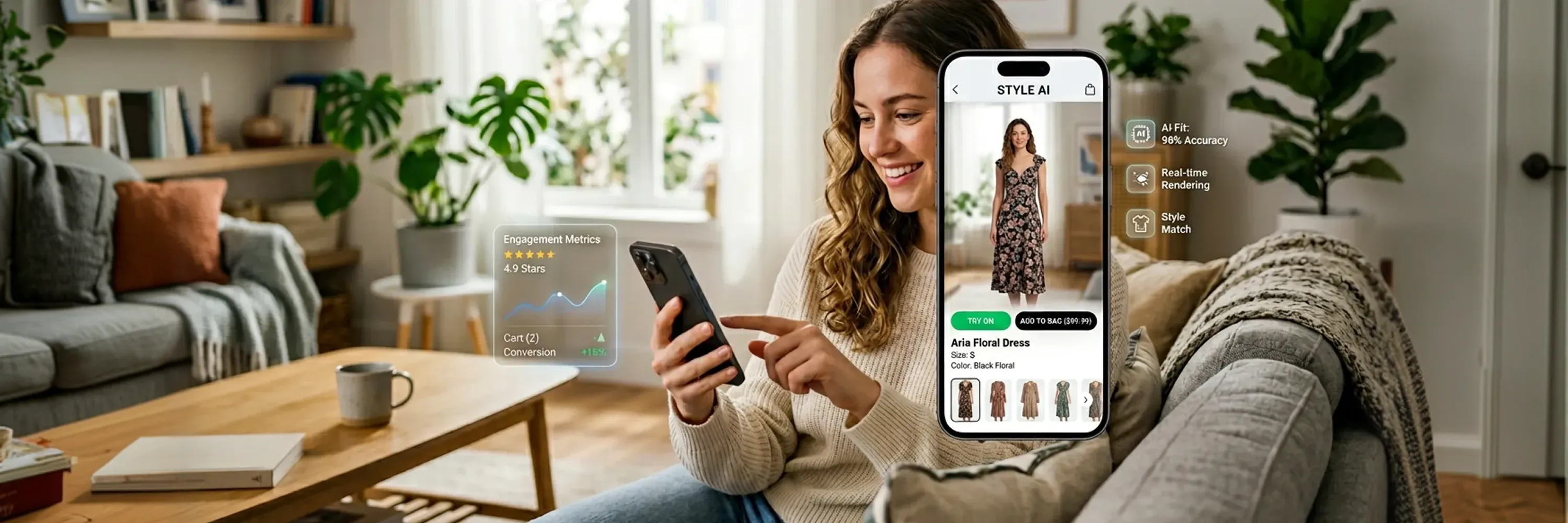
This is the six-phase guide we wish we had handed every merchant we worked with on day one: diagnose your returns before you pick a vendor, prep your assets the right way, place the button where shoppers actually find it, drive adoption with deliberate education, and measure beyond the headline conversion number. WEARFITS is an AI-powered virtual try-on platform for footwear, bags, and apparel — and this playbook is built on what we've watched 40+ retailers do, from luxury brands to mass-market giants, now packaged for Shopify.
WHY THE RETURNS PROBLEM IS BIGGER THAN MOST FOUNDERS THINK
The cost on your dashboard is the refund. The cost on your P&L is much bigger.
For an average $50 Shopify order, the all-in cost of a return runs $15–25 once you stack outbound shipping you ate to win the conversion, return shipping if you offer it free, labor for receiving and inspecting, restocking or write-down if the item can't go back to A-stock, and refund processing fees. A Shopify footwear store doing €10M GMV at a 25% return rate is processing €2.5M in returned merchandise per year — and the all-in cost of processing that return volume is somewhere between €600K and €900K annually.
The good news: Shopify's own merchant research shows that products with 3D and AR experiences can lower returns by up to 40% when the implementation is done correctly. The category benchmarks line up across sources: Nike's Nike Fit uses machine learning to size shoppers from a foot photo and was rolled out specifically to reduce returns, while Warby Parker's AR virtual try-on has been a category benchmark for eyewear since 2019. The third-party data from Prime AI's published Nike footwear study shows shoppers who ordered the recommended size saw return rates fall by 26.2% on average on footwear and 25.5% on menswear. The size lever is real.
The point: virtual try-on isn't a novelty PDP enhancement anymore. It's a returns lever, and the bigger your returns line, the bigger the prize.
PHASE 1 — DIAGNOSE YOUR RETURNS BEFORE YOU PICK A VENDOR
The single most common mistake we see is brands picking a virtual try-on vendor before they've actually looked at why their returns are happening. The answer changes the implementation.
Pull your last 90 days of Shopify return reason codes. Group them into three buckets:
- Size or fit problems (42% of all returns, per Shopify enterprise data on returns) — solved by Try-On plus eventually a sizing layer.
- "Not as described" or material expectations (~25–30%) — partially solved by 3D viewer plus AR for material visualisation.
- Logistics and fulfillment (~10–15%) — not solved by Try-On at all.
If size-and-fit dominates your returns, prioritise vendors with a strong AR Try-On plus sizing roadmap. If "not as described" dominates, prioritise vendors with photorealistic 3D modelling pipelines. The same vendor list, ranked differently for the two problems.
We've published a deeper teardown of why most virtual try-on solutions fail to convert — most of it traces back to a Phase 1 problem.
PHASE 2 — PICK A VENDOR FOR YOUR ACTUAL SHOPIFY CONSTRAINTS
Once you know what you're solving, the vendor short-list collapses. The right vendor for a Shopify merchant — as opposed to a luxury house with a six-month integration runway — looks different.
The constraints that matter:
- Theme app extension support: the vendor must ship as a Shopify app block, droppable into the theme editor without custom Liquid edits. If a vendor quotes a 12-week integration timeline, walk.
- Photo-to-3D pipeline: most Shopify brands don't have CAD files. The vendor must be able to build the 3D model from your existing product photography.
- Web-first rendering, no app download: forcing shoppers to install a native app kills 80%+ of engagement.
- Catalogue indexing speed: target around 5 working days per 100 SKUs.
- Customer events integration: the vendor must emit events into Shopify's customer events stream so Klaviyo, Triple Whale, and your CDP pick them up.
WEARFITS, a web-first virtual try-on solution founded in Krakow, installs on Shopify as an app and a theme app extension and meets all five. Photo-to-3D, no CAD files, around 5-day indexing per 100 SKUs, events firing natively into Shopify customer events.
PHASE 3 — DIGITAL ASSET PREPARATION
Garbage in, garbage out. The single biggest determinant of a good AR Try-On experience is the input photography.
For each SKU you want indexed, you need:
- 4–6 photos per shoe: top, side, three-quarter, sole, back, plus a heel/inside view. Clean backgrounds preferred (white or solid color).
- Consistent lighting: avoid mixed-light photoshoots. The 3D model picks up colour cast from inconsistent light sources.
- Resolution above 1500px on the long edge: smaller images yield blurry 3D textures.
- One pair per SKU is enough: you don't need photos of every colourway separately — the 3D pipeline can re-texture from the base model.
Shopify specifically recommends keeping the final 3D model files between 4MB and 5MB to prevent slow load times that hurt page speed and SEO scores. The WEARFITS pipeline outputs files in that range by default.
If your product photography needs an upgrade before this phase can succeed, prioritise the top 50 SKUs by sales velocity. Those are the SKUs that will recoup the photography investment fastest.
PHASE 4 — VIRTUAL TRY-ON TOOL INTEGRATION AND BUTTON PLACEMENT
This is where most rollouts go wrong. The software is installed, the catalogue is indexed, the feature works perfectly — and engagement is 9% because nobody can find the button.
The placement rules we've settled on after testing across luxury and mass-market clients:
- Above the fold on mobile. 60–70% of footwear traffic is mobile. If the shopper has to scroll, engagement caps at ~15%.
- Adjacent to the size picker. Directly above, below, or beside it — that's where buying decisions happen.
- Labelled clearly. "Try On" wins more A/B tests than any other label we've tested. No icon-only buttons. No "VTO." No "Virtual Fitting Experience."
- Visually distinct. Real button shape, filled (not outlined), brand-accent color, 44px+ tap target.
- One line of micro-copy. "Use your camera — no app download" or your variant. Worth roughly 20% more engagement than the button alone.
- Opens in a modal, not a new page. Modal keeps the shopper anchored to the PDP context.
- Mobile-first design, with a QR handoff on desktop. Desktop shoppers can't use AR on a laptop — the QR module bridges them to mobile.
The full eight-rule field guide, with three layouts that work and four that don't, lives in our Shopify Try-On UX placement playbook.
SHOPIFY AR INTEGRATION AND MOBILE RESPONSIVENESS
Page speed matters. The Try-On button itself should load in around 60 milliseconds — a single inline button on the PDP. The AR engine only loads when a shopper actively taps the button, so it has zero impact on PageSpeed scores or Largest Contentful Paint for the rest of your traffic.
If your vendor's AR product hurts PageSpeed, they're shipping the engine to every shopper instead of just the ones who tap. Push back.
PHASE 5 — EDUCATION AND ADOPTION STRATEGIES
Treat the Try-On launch as a product release, not a software toggle. The brands that get the most out of virtual try-on don't flip the switch quietly and wait for shoppers to find it. They tell the story.
The launch sequence we recommend:
- Pre-launch teaser (week before go-live): one email to your full list, one organic social post per channel, homepage banner. Two-line tease, no full reveal.
- Launch day: homepage hero takeover with a Try-On demonstration video for 7 days. Launch email to full list. Organic posts on every channel — same 15-second AR demo clip. Blog post on your own site introducing the feature.
- First 14 days: email drip (Day 1 announce, Day 3 "how it works" tutorial, Day 7 customer reaction reel, Day 14 reminder), SMS campaign for opted-in customers, paid social acquisition campaign separate from retargeting.
- PLP badging: badge the Try-On enabled items on your collection pages with a small teal pill. Shoppers who arrive at a PDP already expecting Try-On engage with the button at 2–3× the rate of shoppers who don't know it's there.
One luxury client ran a six-week awareness campaign before the AR even shipped — by the time they went live, 40% of the brand's email list already knew Try-On was coming. PDP engagement on Day One was 60%. Compare that to brands that flip the switch quietly.
PHASE 6 — SUCCESS MEASUREMENT BEYOND SALES
Virtual try-on earns its keep on the P&L. But the headline conversion number isn't the full story, and a CFO who can only see "conversion is up 4%" won't approve the next phase of investment.
The four numbers that should be on your dashboard:
- Try-On engagement rate: engaged shoppers ÷ PDP sessions on enabled SKUs. Target 45–60%. If you're below 25%, that's a Phase 4 placement problem.
- Conversion lift on enabled SKUs: PDP conversion on enabled SKUs versus a matched-control cohort (similar price, similar category, similar baseline conversion before launch). Target 20–30%.
- AOV on Try-On-engaged orders: typically runs 8–15% higher than the catalogue average.
- Incremental revenue attributable to Try-On: lift % × baseline conversion × enabled-SKU sessions × AOV. This is the headline number for finance.
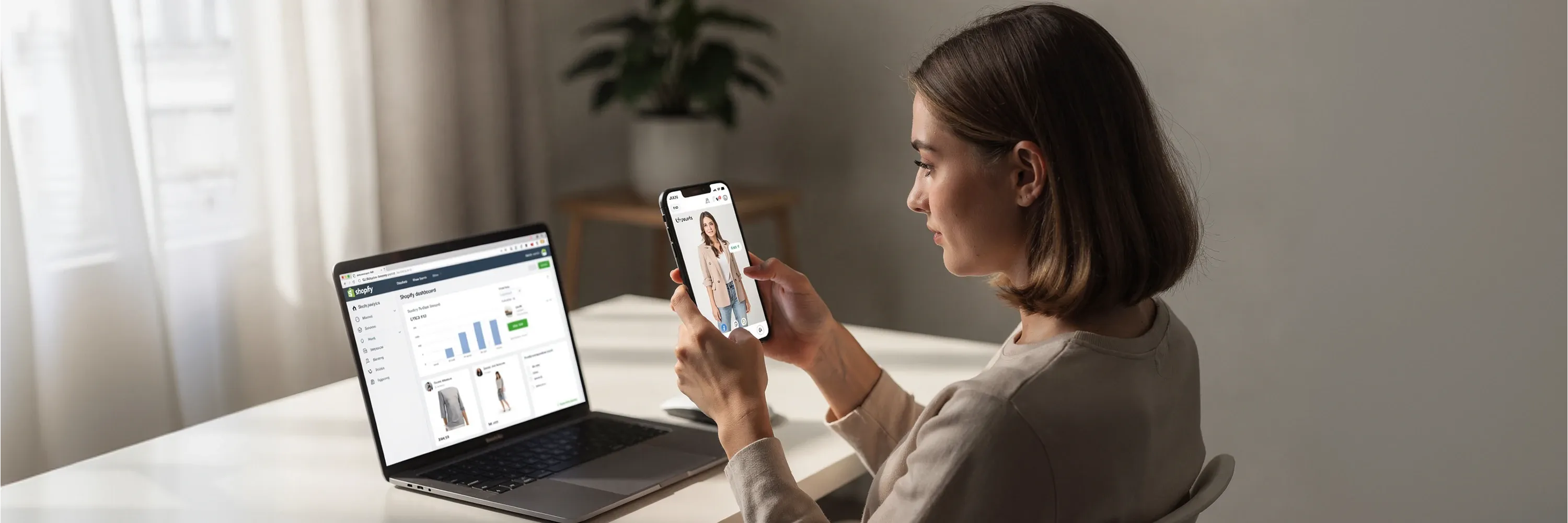
Build a single dashboard tile and send it to finance every two weeks for the first three months. Something like: "Try-On — Last 14 days: 52% engagement rate · 24% conversion lift · €87 AOV (+11% vs control) · €38K incremental revenue." That's the line item that gets the next round of investment approved.
For the deeper integration spec on how the events fire and how to wire them into Klaviyo, Triple Whale, and Northbeam, see our Try-On API integration guide.
WHAT THE WEARFITS SHOPIFY APP COVERS — AND WHAT NEEDS CUSTOM
WEARFITS deploys across Shopify, mobile WebViews, and in-store mirrors from one integration. The Shopify app is a Phase 1 deployment that gets the foundation in place. Most footwear and bags merchants are well-served by the app alone.
The plugin covers:
- Try-On button placement on PDPs (theme block + app extension)
- Shoes catalogue digitization (photo-to-3D pipeline, no CAD files required)
- PLP badging on collection pages
- Desktop-to-mobile QR handoff
- Native Shopify customer events emission
The scenarios that need a custom implementation on top of the plugin — built on the WEARFITS API:
- Sizing and AI fit prediction: the heatmap-based fit verdict and size recommendation that drive the bigger returns-reduction story. The sizing layer cuts size-related returns by roughly 20% in our pilots.
- 3D viewer + Try-On combinations: a full inspection canvas paired with AR — premium footwear, luxury bags, high-AOV apparel.
- In-store mirrors and omnichannel: the same Try-On canvas running on physical-store mirrors, with shared shopper identity across web, mobile, and store.
- Generative AI apparel Try-On: live on WEARFITS today, deploys via API for bespoke PDP architectures or marketplace channels.
The plugin → API path is upgrade-safe by design. Start with the Shopify plugin, scale to custom when the volume justifies it.
CONCLUSION
Virtual try-on on Shopify works. The brands that see returns drop 20% and conversion climb 30% aren't running different software than the brands that see nothing move. They're running the same software with a structured rollout: diagnose the returns first, pick a vendor that fits Shopify's constraints, prep the photography, place the button where shoppers actually find it, treat the launch as a product release, and wire the measurement so finance can see the lift.
If you'd like to see WEARFITS placed correctly on your own SKUs, the early-access trial includes free indexing for the first 50 SKUs — usually enough to cover the top of your returns Pareto. Start the trial, or if you're thinking about the bigger custom build, talk to us about sizing and custom implementations.
Frequently asked questions
Quick answers to the questions teams ask most about this topic.
Virtual try-on lets a shopper see a product on themselves before they buy — so the visual gap that drives most online returns gets closed at the size-selection step, not after the parcel arrives. Shopify's own data shows products with 3D and AR experiences can lower returns by up to 40% when the implementation is done correctly. The mechanism is simple: a shopper who sees the shoe on their own foot has dismissed the biggest cognitive risk of buying online.
The WEARFITS Shopify app covers the Try-On button on PDPs and shoes catalogue digitization (photo-to-3D, no CAD files required). Custom implementations — built on the WEARFITS API — layer on sizing, AI fit prediction, in-store mirrors, 3D viewer combinations, and bespoke web modules. Most merchants start with the plugin to get the catalogue indexed and the UX live, then add the custom layers later.
No. WEARFITS builds the 3D models from your existing product photography — the photo-to-3D pipeline. Indexing typically takes around five working days per 100 SKUs, and the first 50 are free during the early-access trial. You don't need engineers or a 3D modelling team.
Above the fold on mobile, adjacent to the size picker, labelled clearly as 'Try On', opened as a modal (not a new page), and not auto-opened on PDP load. That placement consistently drives engagement rates in the 45–60% range. The full eight-rule playbook is documented in our Try-On UX placement guide.
Two numbers move budget conversations. First, Try-On engagement rate — shoppers who used Try-On divided by PDP sessions on enabled SKUs (target 45–60%). Second, conversion lift — PDP conversion on enabled SKUs versus a matched-control cohort of similar non-enabled SKUs (target 20–30%). Both fire into Shopify's customer events stream, so Klaviyo, Triple Whale, and Northbeam pick them up automatically.